
Why you should read Chinese on your phone

In today’s fast-paced world, learning Chinese has never been more accessible—thanks to smartphones. Reading Chinese on your phone offers unparalleled convenience, allowing you to practice anytime, anywhere. Whether you're commuting, waiting in line, or relaxing at home, your device becomes a powerful tool for language acquisition. With apps, e-books, and digital flashcards, you can immerse yourself in characters, vocabulary, and grammar effortlessly. Plus, interactive features like audio playback and instant translations enhance comprehension. Regular exposure to Chinese texts on your phone accelerates learning, improves retention, and builds confidence. Embrace this modern approach to master one of the world’s most spoken languages—right at your fingertips.
Why You Should Read Chinese on Your Phone
Reading Chinese on your phone is a convenient and effective way to enhance your language skills. With mobile accessibility, you can practice anytime, anywhere, whether you're commuting, waiting in line, or relaxing at home. Smartphones offer interactive tools like flashcards, dictionary apps, and audio support, making learning more engaging. Additionally, reading Chinese content—such as news, social media, or e-books—helps improve vocabulary, grammar, and cultural understanding.
1. Improve Your Vocabulary Efficiently
Reading Chinese on your phone allows you to expand your vocabulary quickly. Many apps provide instant translations and example sentences, helping you grasp word usage in context. You can also save new words to review later, reinforcing retention.
See AlsoHow to Use ChatGPT to Learn Chinese| Benefit | How It Helps |
|---|---|
| Instant Translations | Tap to look up unfamiliar words |
| Flashcards | Review saved words anytime |
| Contextual Learning | See words used in real sentences |
2. Enhance Reading Speed and Fluency
Regularly reading Chinese texts on your phone trains your brain to recognize characters and phrases faster. Over time, your reading speed improves, and you’ll spend less time decoding each character. This is especially useful for HSK exam preparation or business communication.
| Strategy | Impact |
|---|---|
| Daily Practice | Builds familiarity with characters |
| Short Articles | Easier to digest than long texts |
| Pinyin Support | Helps with pronunciation |
3. Access Authentic Chinese Content
Your phone gives you direct access to authentic materials like news apps, blogs, and social media (WeChat, Weibo). This exposes you to real-life language use, slang, and cultural references that textbooks often miss.
| Resource | Advantage |
|---|---|
| News Apps | Current events in Chinese |
| Social Media | Informal language & trends |
| E-books | Diverse genres for all levels |
4. Utilize Interactive Learning Tools
Many language apps integrate gamification, quizzes, and speech recognition, making learning Chinese more engaging. Features like stroke-order animations help with writing practice, while audio clips improve listening skills.
See Also5 levels of understanding Chinese characters: Superficial forms to deep structure| Tool | Function |
|---|---|
| Pleco | Dictionary with flashcards |
| HelloChinese | Interactive lessons |
| Anki | Spaced repetition system |
5. Learn Anytime, Anywhere
Your phone enables flexible learning, fitting practice into small pockets of time. Instead of scrolling social media, you can read a short article, review flashcards, or listen to a podcast in Chinese. Consistency is key to progress.
| Situation | Learning Activity |
|---|---|
| Commuting | Listen to Chinese podcasts |
| Waiting | Practice flashcards |
| Before Bed | Read a short story |
Why am I seeing Chinese writing on my phone?
Why Is My Phone Displaying Chinese Characters?
You may see Chinese writing on your phone due to several reasons, such as:
See AlsoMadness Challenge Duolingo: Tips and Strategies for Success- Language settings being accidentally changed to Chinese.
- An app or website defaulting to Chinese based on region or user preferences.
- A software glitch causing incorrect character rendering.
How Did My Phone’s Language Change to Chinese?
The language may have switched unintentionally because of:
- Misclicks during system updates or settings adjustments.
- Someone else using your phone and altering the language preferences.
- A malware attack forcing changes to your device settings.
Can Apps Display Chinese Even If My Phone Is Set to English?
Yes, some apps may show Chinese text independently because:
- They follow regional settings different from your system language.
- The app lacks localization for your preferred language.
- A bug causes the app to display the wrong language.
Is Chinese Text on My Phone a Sign of Malware?
While rare, malware could be responsible if:
See AlsoClozemaster vs Duolingo: Best Language App for You in 2025- Your phone exhibits unusual behavior alongside the language change.
- You recently installed unverified apps or clicked suspicious links.
- Other settings, like security permissions, were altered without your input.
How Can I Fix Chinese Writing on My Phone?
To resolve this issue, try the following steps:
- Check and reset your language settings in the device menu.
- Update or reinstall apps showing incorrect text.
- Scan for malware using a trusted security app.
Why reading is better than being on your phone?
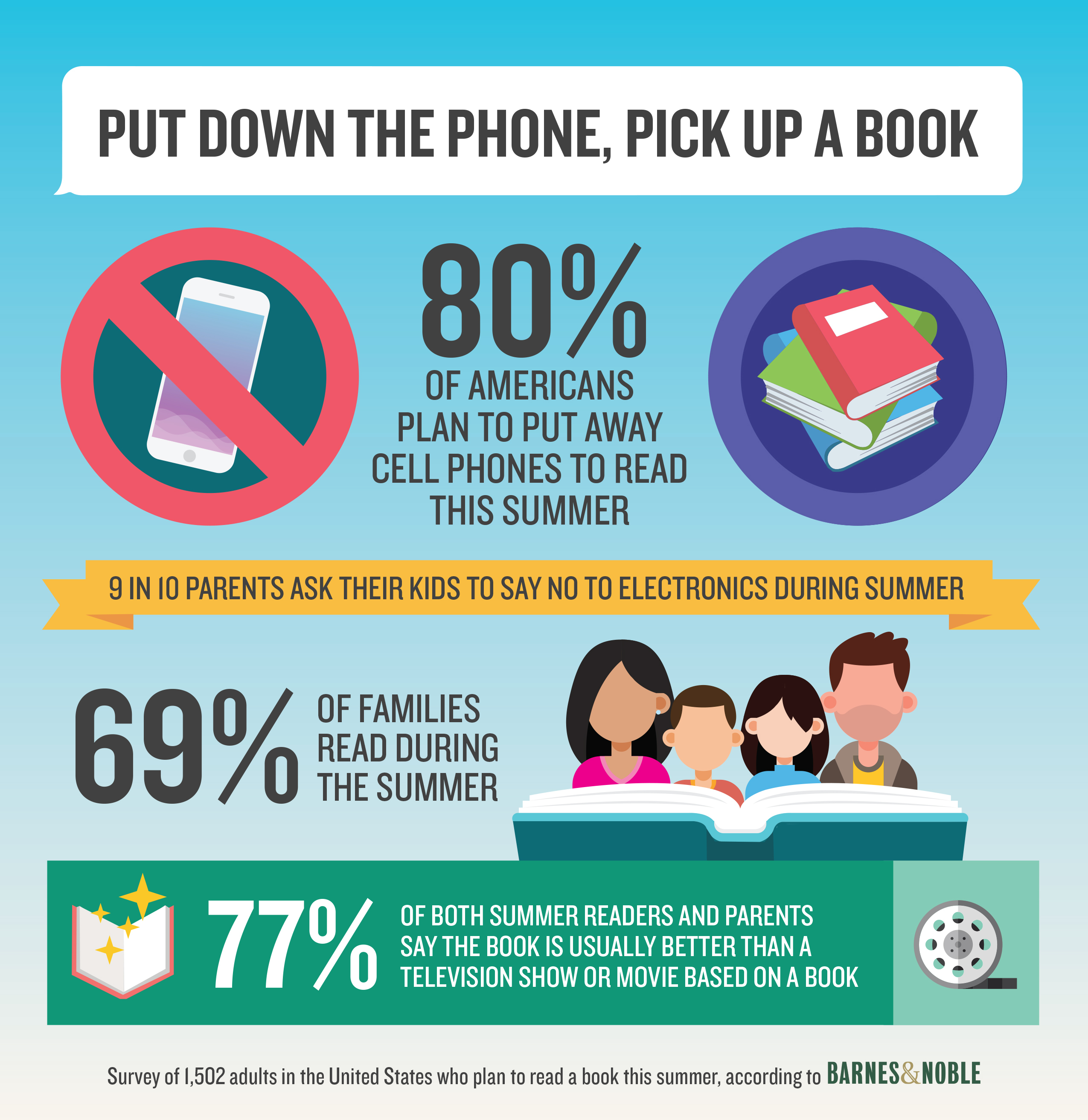
1. Enhances Cognitive Abilities and Critical Thinking
Reading stimulates the brain far more than passive scrolling on a phone. It requires focus, comprehension, and analysis, which strengthen neural connections. Unlike phone use, which often involves fragmented attention, reading encourages deep thinking and problem-solving skills.
- Improves memory retention by engaging multiple brain regions.
- Boosts analytical skills through exposure to complex narratives or arguments.
- Encourages empathy by immersing readers in diverse perspectives.
2. Reduces Stress and Promotes Mental Well-being
Studies show that reading for just six minutes can lower stress levels by 68%, while phone use often increases anxiety due to social media comparisons or information overload. Books provide an escape, whereas phones bombard users with notifications and distractions.
- Calms the mind by slowing heart rate and easing muscle tension.
- Fights insomnia when replacing screen time before bed.
- Builds emotional resilience through reflective storytelling.
3. Expands Knowledge and Vocabulary
Reading exposes you to new ideas, cultures, and terminology, while phone content is often repetitive or algorithm-driven. Books, articles, and essays deepen expertise in ways superficial scrolling cannot match.
- Enhances language skills through varied sentence structures and vocabulary.
- Provides historical and scientific insights absent from viral trends.
- Encourages lifelong learning beyond bite-sized social media posts.
4. Improves Focus and Attention Span
Phone use trains the brain for instant gratification, reducing attention spans. Reading, however, demands sustained concentration, rebuilding the ability to focus for extended periods without distractions.
- Combats digital addiction by fostering patience and delayed rewards.
- Strengthens discipline through chapters or long-form content.
- Reduces multitasking, which harms productivity and comprehension.
5. Encourages Creativity and Imagination
Unlike visual phone content, reading requires mental visualization, activating creativity. Books leave room for interpretation, while phone content often spoon-feeds ideas through images or videos.
- Stimulates original thought by painting scenes with words.
- Inspires innovation through unconventional narratives or concepts.
- Develops storytelling skills by analyzing plot structures and character arcs.
Is there an app that reads Chinese?
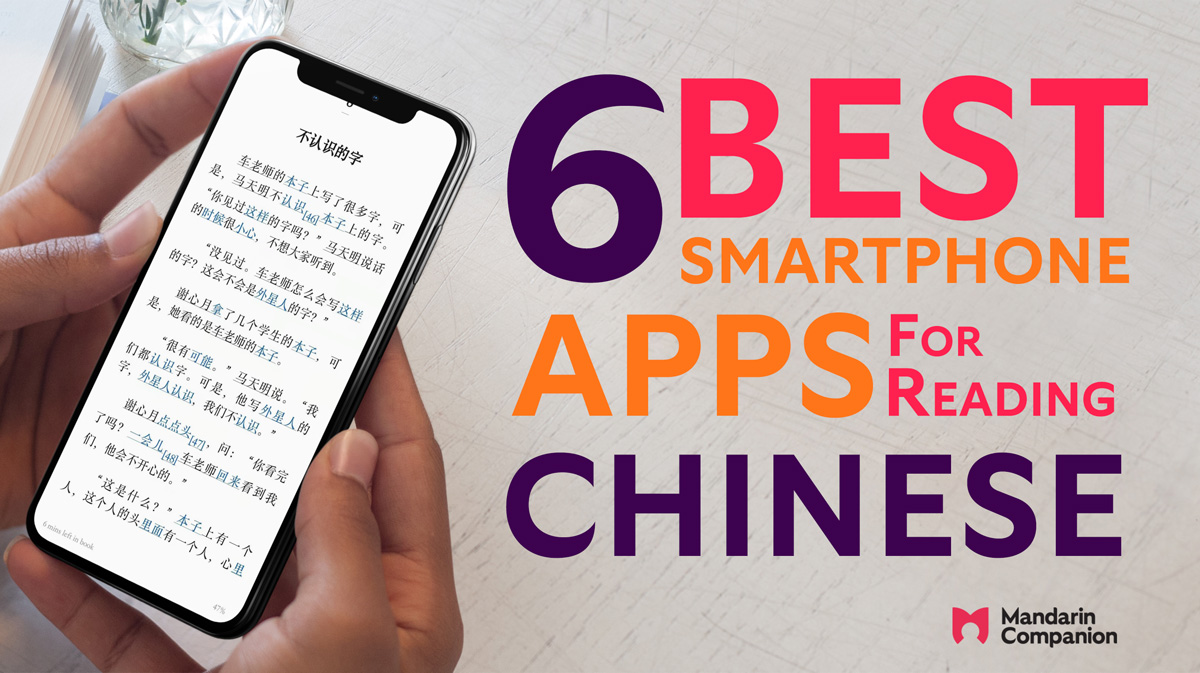
What Are the Best Apps That Read Chinese Text?
Several apps specialize in reading Chinese text aloud or translating it into other languages. These apps use advanced text-to-speech (TTS) technology and optical character recognition (OCR) to process written Chinese. Here are some top options:
- Pleco – A popular dictionary app with OCR and audio pronunciation for Chinese characters.
- Google Translate – Supports Chinese text scanning and instant translation with voice output.
- Microsoft Translator – Offers real-time translation and text-to-speech for Mandarin and Cantonese.
How Do Chinese Text Reader Apps Work?
Chinese text reader apps rely on AI-powered algorithms to analyze and vocalize written content. The process typically involves:
- OCR scanning – Extracts Chinese characters from images or documents.
- Text processing – Identifies pinyin, tones, and meanings.
- Speech synthesis – Converts the text into natural-sounding audio.
Can These Apps Read Handwritten Chinese?
Some advanced apps support handwritten Chinese recognition, though accuracy depends on clarity. Key features include:
- Stroke detection – Analyzes the order and direction of handwriting.
- Contextual matching – Compares handwritten input to known characters.
- Real-time correction – Suggests fixes for illegible strokes.
Are There Offline Chinese Reading Apps?
Yes, certain apps function without an internet connection, ideal for travelers or learners. Notable offline options:
- Pleco (with add-ons) – Downloads dictionaries and TTS data for offline use.
- Hanping Chinese – Provides offline Mandarin pronunciation and definitions.
- Waygo – Translates Chinese text via camera without Wi-Fi.
Do These Apps Support Traditional and Simplified Chinese?
Most modern apps accommodate both script types, catering to learners and native speakers. Key distinctions:
- Dual-script databases – Apps like Pleco and Google Translate support both.
- Region-specific settings – Some apps default to Simplified (Mainland) or Traditional (Taiwan/HK).
- Conversion tools – Certain apps can switch between scripts automatically.
Frequently Asked Questions (FAQ)
Why is reading Chinese on your phone beneficial for language learners?
Reading Chinese on your phone offers unparalleled convenience and accessibility for language learners. With apps and e-books readily available, you can practice vocabulary, grammar, and pronunciation anytime, anywhere. Many apps also include interactive features like instant translations, pinyin annotations, and audio playback, which enhance comprehension and retention. Additionally, frequent exposure to authentic Chinese content, such as news articles or social media posts, helps learners adapt to real-world language use.
How does reading Chinese on a phone improve efficiency compared to traditional methods?
Smartphones streamline the learning process by consolidating resources into one portable device. Unlike textbooks, digital tools provide instant lookup functions for unfamiliar characters, saving time and reducing frustration. Features like spaced repetition systems (SRS) in apps help reinforce memory, while customizable fonts and lighting reduce eye strain. Furthermore, push notifications and daily reminders encourage consistent practice, making it easier to build a daily reading habit.
What types of Chinese content are best to read on a phone?
For beginners, graded readers or apps with simplified texts are ideal, as they gradually introduce vocabulary and sentence structures. Intermediate learners can explore news apps, blogs, or short stories, while advanced learners may benefit from novels, essays, or professional articles. Social media platforms like WeChat or Weibo also offer casual, colloquial Chinese, exposing readers to modern slang and cultural nuances. Regardless of level, choosing engaging, relevant content ensures sustained motivation.
Can reading Chinese on a phone help with character recognition and writing?
Yes, digital reading significantly aids character recognition through repeated exposure and contextual learning. Many apps highlight HSK vocabulary or allow users to tap characters for detailed breakdowns of strokes and radicals. Some even integrate writing practice by tracing characters on-screen. While typing Chinese on a phone (via Pinyin or handwriting input) reinforces character recall, combining reading with active writing exercises maximizes literacy development over time.
Leave a Reply
Related Posts