
Duolingo Sign Up: Free Language Learning Guide [2025 Steps]

![Duolingo Sign Up: Free Language Learning Guide [2025 Steps]](https://3isolution.org/wp-content/uploads/2025/03/Duolingo-Sign-Up-Free-Language-Learning-Guide-2025-Steps_1741767330-1024x574.webp "Duolingo Sign Up: Free Language Learning Guide [2025 Steps]")
Learning a new language has never been more accessible, thanks to platforms like Duolingo. Whether you're a beginner or looking to polish your skills, Duolingo offers a user-friendly, gamified approach to language learning. This guide provides a step-by-step walkthrough for signing up and getting started on Duolingo in 2025. From creating an account to setting goals and exploring features, you'll discover how to maximize your learning experience—all for free. With over 40 languages available, Duolingo caters to diverse interests and proficiency levels. Dive into this guide to unlock the tools you need to embark on your language-learning journey today.
Duolingo Sign Up: Free Language Learning Guide [2025 Steps]
1. Why Choose Duolingo for Language Learning?
Duolingo is one of the most popular language-learning platforms globally, offering a free, user-friendly, and gamified approach to mastering new languages. With over 500 million users, Duolingo provides courses in 40+ languages, making it accessible for learners of all levels. Its adaptive learning system ensures personalized lessons, while its mobile app allows users to learn anytime, anywhere.
2. How to Create a Duolingo Account
Creating a Duolingo account is simple and free of charge. Follow these steps:
1. Visit the Duolingo website or download the Duolingo app.
2. Click on Get Started or Sign Up.
3. Choose your preferred method: email, Google account, or Apple ID.
4. Select the language you want to learn and set your daily goal.
5. Complete the placement test (optional) to start at the right level.
3. Exploring Duolingo's Features
Duolingo offers a variety of features to enhance your learning experience:
- Gamified Lessons: Earn points, unlock levels, and maintain streaks.
- Duolingo Plus: A premium subscription for an ad-free experience and offline learning.
- Leaderboards: Compete with friends and other learners.
- Stories and Podcasts: Practice reading and listening skills.
- Duolingo ABC: A program for kids to learn reading and writing.
4. Setting Up Your Learning Goals
Duolingo allows you to customize your learning experience by setting daily goals. These goals range from casual (5 minutes/day) to insane (20 minutes/day). Consistent practice is key to progress, and Duolingo’s reminder notifications help you stay on track. Additionally, you can adjust your goals anytime based on your schedule and commitment level.
5. Tips for Maximizing Your Duolingo Experience
To get the most out of Duolingo, consider these tips:
- Practice Daily: Consistency is crucial for language retention.
- Use the Discussion Forums: Engage with other learners to clarify doubts.
- Enable Speaking and Listening Exercises: Improve pronunciation and comprehension.
- Track Your Progress: Review completed lessons and celebrate milestones.
- Explore Duolingo Events: Join virtual language meetups for real-world practice.
| Feature | Description |
|---|---|
| Gamified Lessons | Earn points, unlock levels, and maintain streaks. |
| Duolingo Plus | Ad-free experience and offline learning. |
| Leaderboards | Compete with friends and other learners. |
| Stories and Podcasts | Practice reading and listening skills. |
| Duolingo ABC | Program for kids to learn reading and writing. |
How do I sign up for free Duolingo?

How to Create a Free Duolingo Account
To sign up for a free Duolingo account, follow these steps:
- Visit the Duolingo website or download the Duolingo app from your device's app store.
- Click on the Get Started button to begin the registration process.
- Choose your preferred method of signing up: using your email address, Google account, or Apple ID.
- Complete the required fields, such as selecting your language and setting your learning goals.
- Confirm your account by following the instructions sent to your email or linked account.
What Information Do You Need to Sign Up?
To create a free Duolingo account, you will need the following:
See Also5 Important Colours in China- A valid email address or access to a Google or Apple account.
- Basic personal details, such as your name and age.
- Your preferred language for learning and the language you want to study.
Can You Use Duolingo Without Paying?
Yes, Duolingo offers a free version with access to most features. Here’s what you can do:
- Access all language courses available on the platform.
- Complete daily lessons and track your progress.
- Participate in leaderboards and earn XP (experience points).
How to Choose Your Language on Duolingo
Selecting your language is a key step during sign-up. Here’s how to do it:
- After signing up, Duolingo will prompt you to choose your native language.
- Next, select the language you want to learn from the list of available options.
- You can change your language preferences later in the settings menu.
Setting Up Your Learning Goals on Duolingo
Duolingo allows you to customize your learning experience by setting goals:
- During sign-up, you’ll be asked to choose your daily goal, such as casual, regular, or serious.
- Your goal determines how many lessons or XP you aim to complete each day.
- You can adjust your goals at any time in the profile settings.
Has anyone actually learned a language from Duolingo?

Can Duolingo Help You Achieve Fluency in a Language?
Duolingo is designed to introduce users to a new language and build foundational skills, but achieving fluency solely through the app is challenging. The platform focuses on vocabulary, basic grammar, and common phrases, which are essential for beginners. However, fluency requires advanced practice, such as conversational speaking, cultural immersion, and complex sentence structures, which Duolingo does not fully provide.
- Vocabulary Building: Duolingo excels at teaching new words and phrases, which is crucial for early language learning.
- Grammar Basics: The app introduces fundamental grammar rules but lacks depth for advanced learners.
- Practice Limitations: Without real-life conversations or immersive experiences, fluency remains difficult to achieve.
What Are the Strengths of Learning a Language on Duolingo?
Duolingo has several strengths that make it a popular choice for language learners. Its gamified approach keeps users engaged, and its structured lessons provide a clear learning path. Additionally, the app is accessible and affordable, making it a great starting point for beginners.
- Gamification: The app uses rewards, streaks, and levels to motivate users to practice regularly.
- Accessibility: Available on multiple devices, Duolingo allows users to learn anytime, anywhere.
- Affordability: The free version offers substantial content, making it accessible to a wide audience.
What Are the Limitations of Duolingo for Language Learning?
While Duolingo is a useful tool, it has notable limitations. The app often lacks contextual learning, cultural insights, and advanced language skills. Additionally, its repetitive exercises can become monotonous for some users, and the speaking practice is limited compared to real-life interactions.
- Contextual Learning: Duolingo often teaches phrases without explaining their cultural or situational use.
- Advanced Skills: The app struggles to teach complex grammar, idiomatic expressions, and nuanced vocabulary.
- Speaking Practice: The speaking exercises are robotic and lack the spontaneity of real conversations.
How Effective Is Duolingo for Beginners?
Duolingo is highly effective for beginners who are just starting to learn a new language. It provides a structured introduction to vocabulary, pronunciation, and basic grammar. The app’s interactive exercises and immediate feedback help reinforce learning, making it an excellent tool for building foundational skills.
- Structured Lessons: The app breaks down lessons into manageable chunks, ideal for beginners.
- Interactive Exercises: Activities like matching, listening, and speaking keep learners engaged.
- Immediate Feedback: Instant corrections help users learn from their mistakes quickly.
Can Duolingo Replace Traditional Language Classes?
Duolingo cannot fully replace traditional language classes, as it lacks the personalized feedback, cultural context, and interactive discussions that a classroom setting provides. However, it can serve as a supplementary tool to reinforce learning outside of formal education.
- Personalized Feedback: Teachers can provide tailored advice, which Duolingo cannot replicate.
- Cultural Context: Traditional classes often include cultural lessons that Duolingo omits.
- Interactive Discussions: Classroom settings allow for real-time conversations and group activities.
How do you use Duolingo step by step?
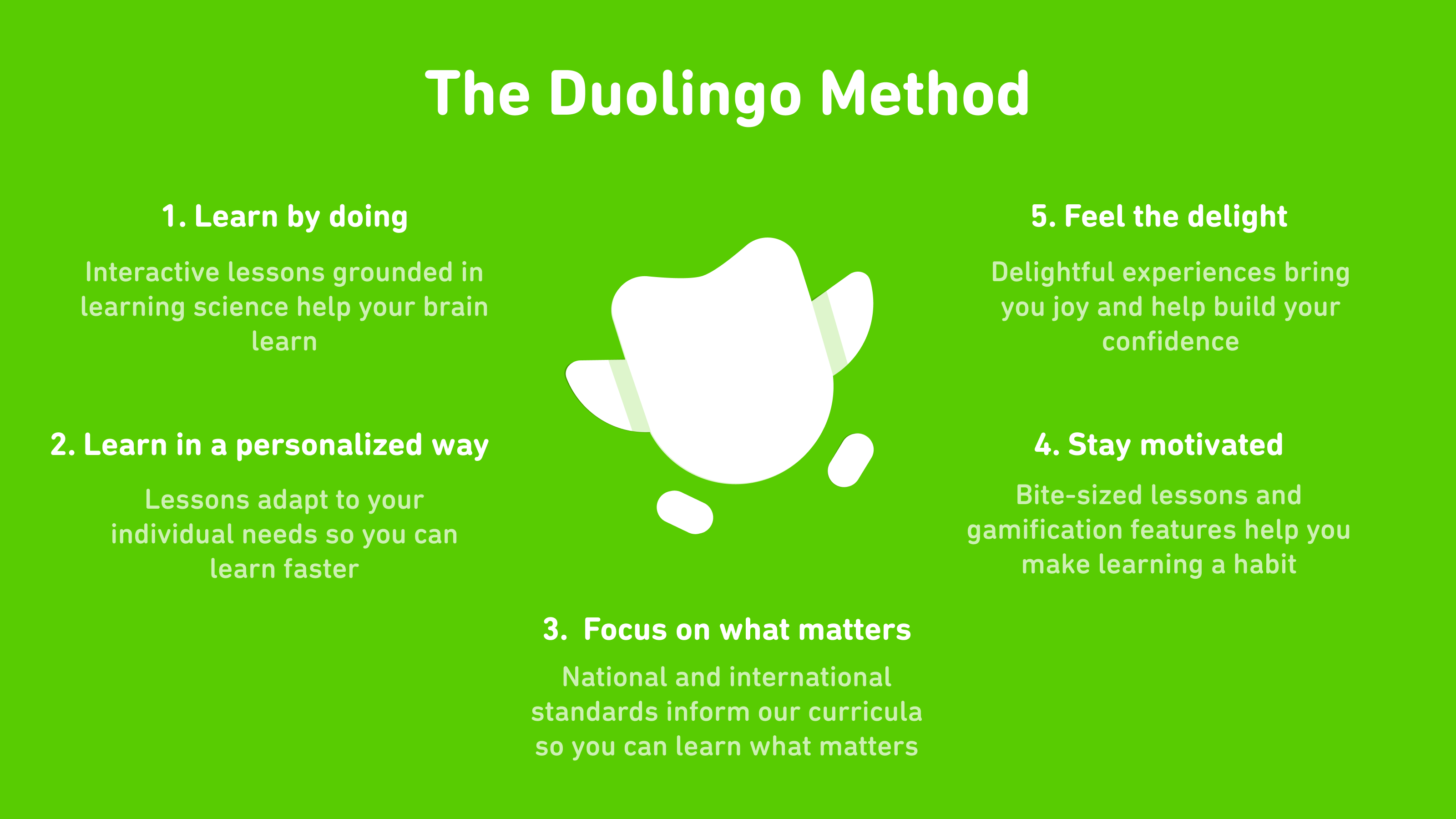
How to Create a Duolingo Account
To start using Duolingo, you need to create an account. Follow these steps:
- Visit the Duolingo website or download the Duolingo app from your device's app store.
- Click on Get Started or Sign Up to begin the registration process.
- Choose to sign up using your email address, Google account, or Apple ID.
- Set your language goals by selecting the language you want to learn and your daily goal (e.g., casual, regular, serious).
- Complete the initial placement test if you have prior knowledge of the language, or start from the basics if you're a beginner.
Once your account is set up, familiarize yourself with the Duolingo interface:
- The home screen displays your current progress, daily streak, and available lessons.
- Use the navigation bar at the bottom (on mobile) or the side (on desktop) to access different sections like Home, Learn, Leaderboard, and Profile.
- Check the heart system (lives) at the top, which indicates how many mistakes you can make before needing to replenish hearts.
- Explore the shop to purchase additional features like Super Duolingo or streak freezes.
Starting Your First Lesson
To begin learning, follow these steps:
- Select a lesson from the skill tree. Lessons are grouped by topics like Basics, Phrases, or Grammar.
- Complete the exercises, which may include matching words, translating sentences, or listening and speaking tasks.
- Earn XP (experience points) for each completed lesson, which helps you level up and track your progress.
- Use the tips section before starting a lesson to review key concepts and vocabulary.
Tracking Your Progress
Duolingo provides tools to monitor your learning journey:
- Check your daily streak to see how many consecutive days you've completed lessons.
- View your XP progress and compare it with friends on the Leaderboard.
- Review completed lessons and skills to reinforce your learning by tapping the Practice button.
- Access your profile to see your achievements, such as badges and milestones.
Using Advanced Features
Duolingo offers additional features to enhance your learning experience:
- Upgrade to Super Duolingo for an ad-free experience, unlimited hearts, and personalized practice.
- Join Duolingo Events to practice speaking with other learners in real-time.
- Enable notifications to receive reminders to complete your daily lessons.
- Use the Duolingo Stories feature to improve reading and listening comprehension through interactive stories.
Frequently Asked Questions From our Community
How do I sign up for Duolingo?
To sign up for Duolingo, visit the official website or download the app from your device's app store. Click on the Get Started button and choose your preferred method of registration, such as using your email, Google account, or Facebook. Follow the on-screen instructions to set up your profile, select your target language, and begin your language learning journey.
Is Duolingo free to use?
Yes, Duolingo is free to use for all users. The platform offers a comprehensive language learning experience without any cost. However, there is a premium version called Duolingo Plus that provides additional features like ad-free learning and offline access for a subscription fee. The free version is still highly effective for most learners.
What languages can I learn on Duolingo?
Duolingo offers a wide range of languages to learn, including popular ones like Spanish, French, German, and Chinese, as well as less commonly taught languages such as Hawaiian, Navajo, and Esperanto. The platform continuously updates its offerings, so you can explore and choose from over 40 languages to start your learning journey.
Can I use Duolingo on multiple devices?
Yes, you can use Duolingo on multiple devices. Your progress is synced across all devices as long as you log in with the same account. Whether you're using a smartphone, tablet, or computer, you can seamlessly switch between devices and continue your lessons without losing any progress. This flexibility makes it easy to practice your language skills anytime, anywhere.
Leave a Reply
Related Posts